wordpre加一个go跳转页面【样式二】
之前使用的主题自带这个go页面,这个主题没有,但是也没在意过,最近突然发现没有的,就想着给加一个。
听说这个是对seo有点好处,但是这种有点玄学的问题,也不好说。漂亮还是很漂亮的,而且方法也简单,所以各位可以尝试加一个。
首先呢需要在网站根目录下面新建一个文件夹命名为go,然后在文件夹下新建一个index.php的文件,或者直接新建一个名为go.php的文件,随你怎么喜欢怎么来。
然后把以下代码复制进去即算是完成第一步。
<?php
/**
 * 自动跳转页面
 * @copyright (c) Emlog All Rights Reserved
 */
//自定义跳转地址
$cars = array(
    array("rwdh",https://renwai.cn/),
    array("jsys",https://v.ir12.cn/),
 );

if(strlen($_SERVER[REQUEST_URI]) > 384 || strpos($_SERVER[REQUEST_URI], "eval(") || strpos($_SERVER[REQUEST_URI], "base64")) {
    @header("HTTP/1.1 414 Request-URI Too Long");
    @header("Status: 414 Request-URI Too Long");
    @header("Connection: Close");
    @exit;
}
//通过QUERY_STRING取得完整的传入数据,然后取得url=之后的所有值,兼容性更好
$t_url = htmlspecialchars(preg_replace(/^url=(.*)$/i,$1,$_SERVER["QUERY_STRING"]));

//此处可以自定义一些特别的外链,不需要可以删除以下5行
foreach($cars as $k=>$val){
    if($t_url==$val[0] ) {
        $t_url = $val[1];
        $t_vip = 1;
    }
}

//数据处理
if(!empty($t_url)) {
    //判断取值是否加密
    if ($t_url == base64_encode(base64_decode($t_url))) {
        $t_url = base64_decode($t_url);
    }
 //对取值进行网址校验和判断
preg_match(/^(http|https|thunder|qqdl|ed2k|Flashget|qbrowser):\/\//i,$t_url,$matches);
if($matches){
    $url=$t_url;
    $title=页面加载中,请稍候...;
} else {
    preg_match(/\./i,$t_url,$matche);
    if($matche){
        $url=http://.$t_url;
        $title=页面加载中,请稍候...;
    } else {
        $url = http://.$_SERVER[HTTP_HOST];
        $title=参数错误,正在返回首页...;
    }
}
} else {
    $title = 参数缺失,正在返回首页...;
    $url = http://.$_SERVER[HTTP_HOST];
}
?>
<html>
<head>
    <meta http-equiv="Content-Type" content="text/html; charset=UTF-8">
    <meta name="viewport" content="width=device-width">
    <meta name="robots" content="noindex, nofollow" />
    <noscript><meta http-equiv="refresh" content="1;url=<?php echo $url;?>;"></noscript>
    <meta charset="UTF-8">
<!--[if IE 8]>
    <style>
        .ie8 .alert-circle,.ie8 .alert-footer{display:none}.ie8 .alert-box{padding-top:75px}.ie8 .alert-sec-text{top:45px}
    </style>
<![endif]-->

    <title><?php echo $title;?></title>
    <style>
        body{margin:0;padding:0;background:#E6EAEB;font-family:Arial,微软雅黑,宋体,sans-serif}.main{position:absolute;left:calc(50% - 200px);top:calc(50% - 13em)}.alert-box{display:none;position:relative;margin:auto;padding:180px 85px 22px;border-radius:10px 10px 0 0;background:#FFF;box-shadow:5px 9px 17px rgba(102,102,102,.75);width:286px;color:#FFF;text-align:center}.alert-box p{margin:0}.alert-circle{position:absolute;top:-50px;left:111px}.alert-sec-circle{stroke-dashoffset:0;stroke-dasharray:735;transition:stroke-dashoffset 1s linear}.alert-sec-text{position:absolute;top:11px;left:190px;width:76px;color:#000;font-size:68px}.alert-sec-unit{font-size:34px}.alert-body{margin:35px 0}.alert-head{color:#242424;font-size:28px}.alert-concent{margin:25px 0 14px;color:#7B7B7B;font-size:18px}.alert-concent p{line-height:27px}.alert-btn{display:block;border-radius:10px;background-color:#4AB0F7;height:55px;line-height:55px;width:286px;color:#FFF;font-size:20px;text-decoration:none;letter-spacing:2px}.alert-btn:hover{background-color:#6BC2FF}.alert-footer{margin:0 auto;height:42px;width:120px}.alert-footer-icon{float:left}.alert-footer-text{float:left;border-left:2px solid #EEE;padding:3px 0 0 5px;height:40px;color:#0B85CC;font-size:12px;text-align:left}.alert-footer-text p{color:#7A7A7A;font-size:22px;line-height:18px}
    </style>
</head>
<body class="ie8" style="">
<div class="main">
    <div id="js-alert-box" class="alert-box" style="display:block">
        <svg class="alert-circle" width="234" height="234"><circle cx="117" cy="117" r="108" fill="#FFF" stroke="#43AEFA" stroke-width="17"></circle><circle id="js-sec-circle" class="alert-sec-circle" cx="117" cy="117" r="108" fill="transparent" stroke="#F4F1F1" stroke-width="18" transform="rotate(-90 117 117)" style="stroke-dashoffset:-514px"></circle><text class="alert-sec-unit" x="100" y="172" fill="#BDBDBD">秒</text></svg>
        <div id="js-sec-text" class="alert-sec-text">
        3
        </div>
        <div class="alert-body">
            <div id="js-alert-head" class="alert-head">
            <?php echo $title;?>
            </div>
            <div class="alert-concent">
            <p>一万年太久,只争朝夕</p>
            </div>
            <a id="js-alert-btn" class="alert-btn" href="<?php echo $url;?>">立即前往</a>
        </div>
        <div class="alert-footer clearfix">
            <svg width="46px" height="42px" class="alert-footer-icon"><circle fill-rule="evenodd" clip-rule="evenodd" fill="#7B7B7B" stroke="#DEDFE0" stroke-width="2" stroke-miterlimit="10" cx="21.917" cy="21.25" r="17"></circle><path fill="#FFF" d="M22.907,27.83h-1.98l0.3-2.92c-0.37-0.22-0.61-0.63-0.61-1.1c0-0.71,0.58-1.29,1.3-1.29s1.3,0.58,1.3,1.29 c0,0.47-0.24,0.88-0.61,1.1L22.907,27.83z M18.327,17.51c0-1.98,1.61-3.59,3.59-3.59s3.59,1.61,3.59,3.59v2.59h-7.18V17.51z M27.687,20.1v-2.59c0-3.18-2.59-5.76-5.77-5.76s-5.76,2.58-5.76,5.76v2.59h-1.24v10.65h14V20.1H27.687z"></path><circle fill-rule="evenodd" clip-rule="evenodd" fill="#FEFEFE" cx="35.417" cy="10.75" r="6.5"></circle><polygon fill="#7B7B7B" stroke="#7B7B7B" stroke-linecap="round" stroke-linejoin="round" stroke-miterlimit="10" points="35.417,12.16 32.797,9.03 31.917,10.07 35.417,14.25 42.917,5.29 42.037,4.25 "></polygon></svg>
            <div class="alert-footer-text">
                <p>secure</p>安全加密
            </div>
        </div>
    </div>
</div>
<script type="text/javascript">
function alertSet(e) {
    document.getElementById("js-alert-box").style.display = "block", document.getElementById("js-alert-head").innerHTML = e;
    var t = 3,
        n = document.getElementById("js-sec-circle");
    document.getElementById("js-sec-text").innerHTML = t, setInterval(function() {
        //禁止其他网站调用此跳转
        //var MyHOST = new RegExp("<?php echo $_SERVER[HTTP_HOST]; ?>");
        //if (!MyHOST.test(document.referrer)) {
        // location.rel="nofollow" href="https://www.xiunobbs.vip//" + MyHOST;
        //}
        if (0 == t) location.href = "<?php echo $url;?>";
        else {
            t -= 1, document.getElementById("js-sec-text").innerHTML = t;
            var e = Math.round(t / 5 * 735);
            n.style.strokeDashoffset = e - 735
        }
    }, 970)
}
</script>
<script>alertSet("<?php echo $title;?>");</script>
</body>
</html>
需要注意的一点是,如果你们是新建的go.php而不是go文件夹的话需要修改下面的代码,把go改为go.php即可,我会给那一段标红,方便各位查看修改。
接下来这一段代码会让你文章中和评论区的所有外链自动跳转go页面,只需要将以下代码复制粘贴到你当前使用主题的functions.php文件里面,随便粘贴到哪一行都行。
//评论者链接添加go跳转
function add_redirect_comment_link($text = ){
    $text=str_replace(href=", href=".get_option(home)./go/?url=, $text);
    return $text;
}
add_filter(get_comment_author_link, add_redirect_comment_link, 5);
add_filter(comment_text, add_redirect_comment_link, 99);

//文章内外链添加go跳转
function the_content_nofollow($content){
    preg_match_all(/<a(.*?)href="(.*?)"(.*?)>/,$content,$matches);
    if($matches){
        foreach($matches[2] as $val){
            if(strpos($val,://)!==false && strpos($val,home_url())===false && !preg_match(/\.(jpg|jepg|png|ico|bmp|gif|tiff)/i,$val)){
                $content=str_replace("href=\"$val\"", "href=\"".home_url()."/go/?url=$val\" ",$content);
            }
        }
    }
 return $content;
}
add_filter(the_content,the_content_nofollow,999);
最后我们使用https://www.xiunobbs.vip/go/?url=或者https://www.xiunobbs.vip/go.php?url=就可以使用跳转页了。并且站点内的外链都会用跳转页打开了。
“wordpre加一个go跳转页面【样式二】” 的相关文章
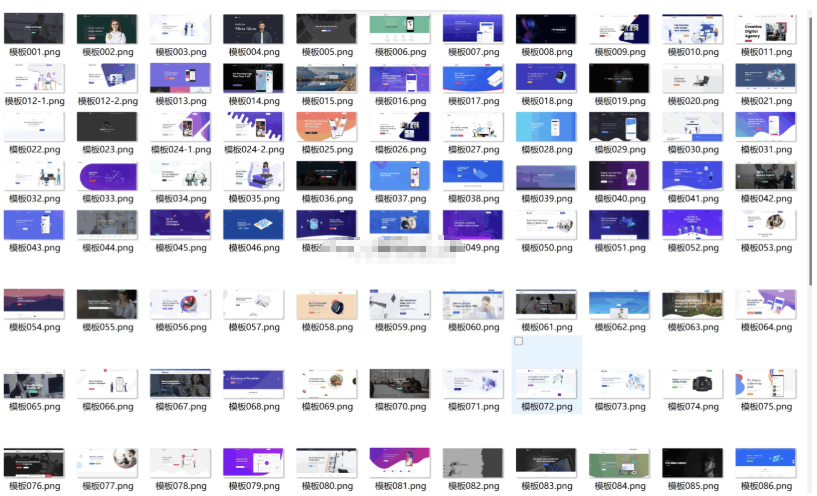
100多套官网HTML源码 前端静态页面源码
简介: 104套官网源码静态html页面APP下载页面HTML源码,多年收藏精品HTML官网源码104套所有行业均可修改使用。人工精选源码每一套都是精品,纯静态页面无后台 下载连接(复制直接下载) https://wp.123vo.cn/index/share/code/jq2ENvLPb1 内容看完了…
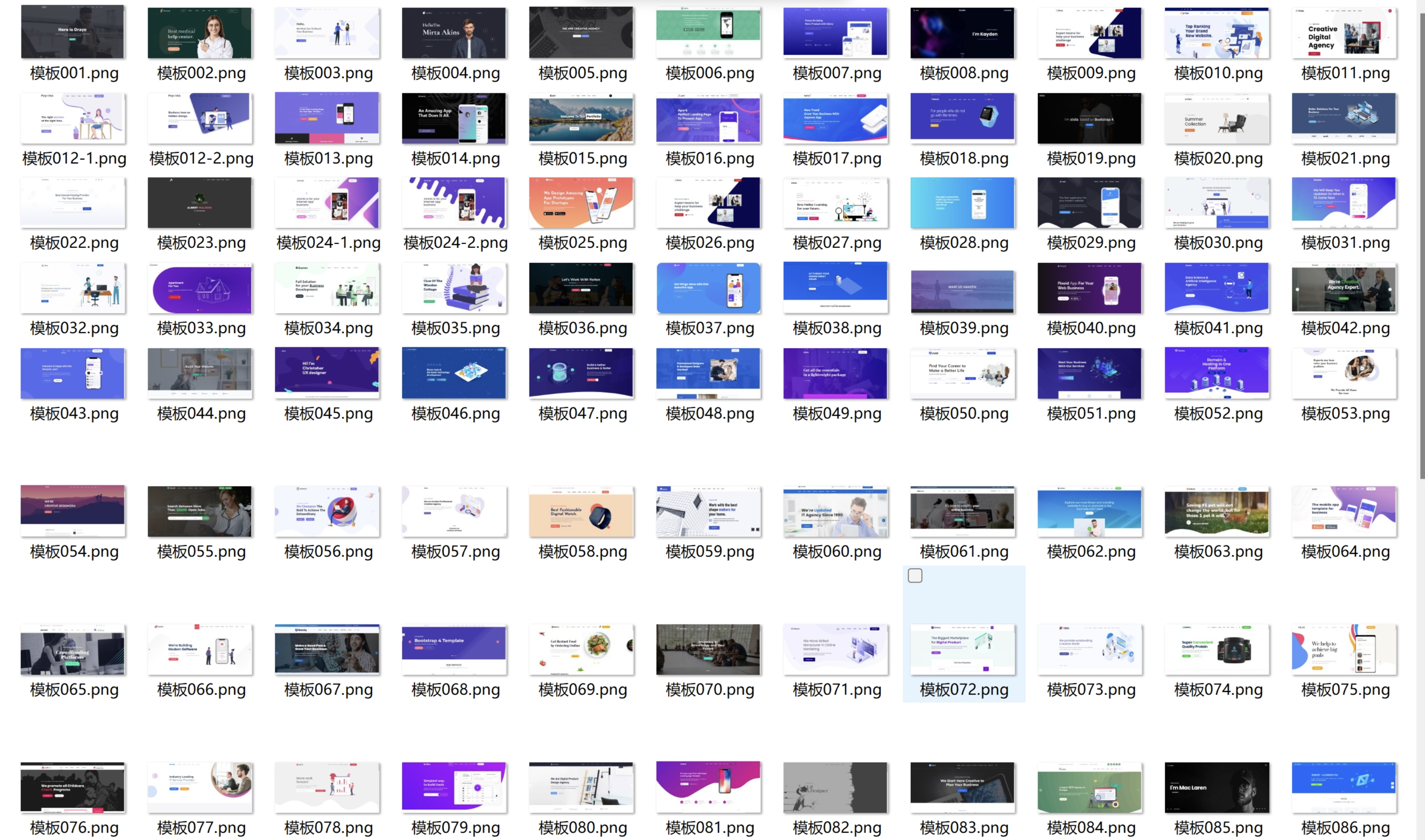
100+套官网HTML源码 前端静态页面源码
104套官网源码静态html页面APP下载页面HTML源码,多年收藏精品HTML官网源码104套所有行业均可修改使用。人工精选源码每一套都是精品,纯静态页面无后台…

10月最新彩虹易支付系统源码更新 浪子易支付系统
10月最新彩虹易支付系统源码更新 浪子易支付系统 更新日志 1.更新了首页模板3套 1.新增邮件提醒功能,支持给用户发订单、结算等邮件通知 2.支持给管理员发送提现、域名审核等邮件通知 3.支持设置手续费最低扣除金额 4.修复了其他一些已知问题 2023/09/25: 1.新增支付宝红包支付插件 2.新增支付宝APP支付转H5支付 3.更新了几个支付插件 通过网盘分享的文件:10月最新彩虹易支付系…

11周精通python计划(完结)
11周精通python计划(完结)此内容为付费资源,请付费后查看¥38 限时特惠¥138黄金会员免费钻石会员免费登录购买…
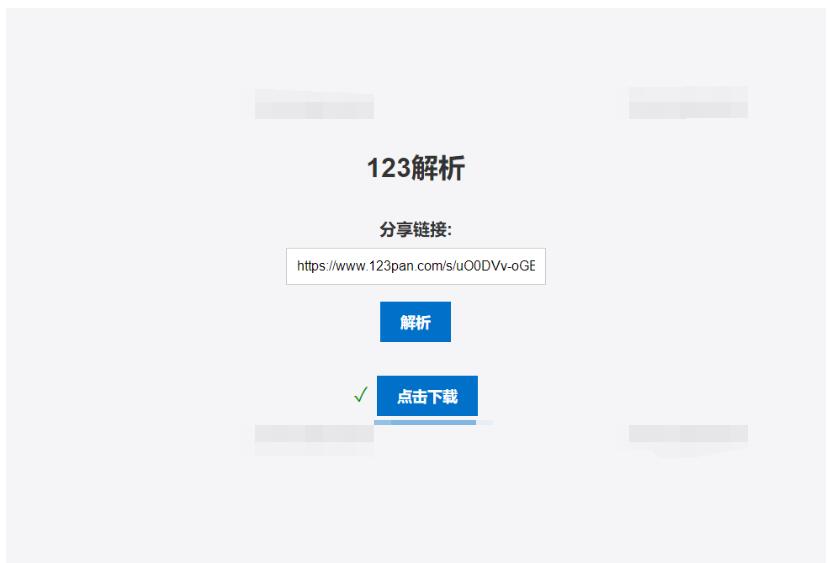
123网盘在线解析PHP版源码
123网盘解析PHP版本源码是一种非常实用的工具,可以方便地帮助用户在网页上直接解析出其它网站中的资源,并提供下载链接。当用户需要获取某些资源时,往往需要通过各种搜索引擎或者专业的资源网站进行查找,而且很多时候找到了资源链接后还需要进行各种繁琐的操作才能完成下载。而使用 123网盘解析PHP版本源码,只需在相关网站上找到资源链接,然后粘贴到 123网盘解析PHP版本源码中进行解析,即可获…
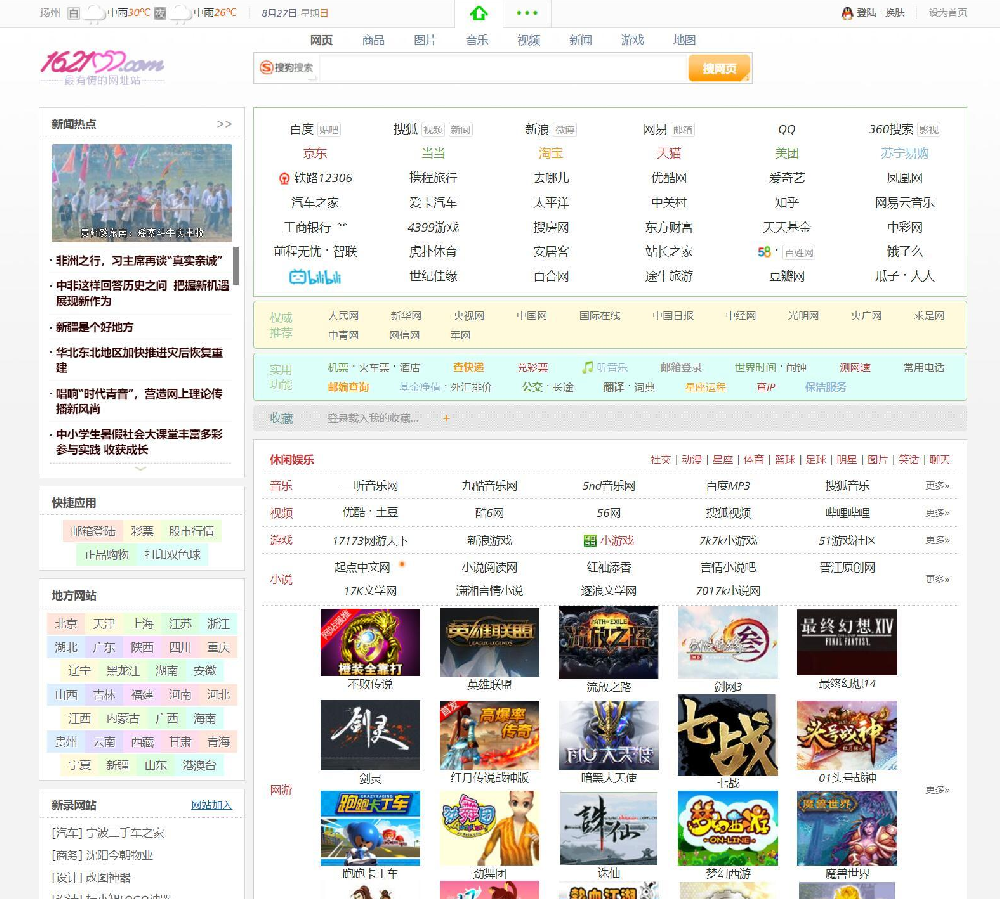
162100 网址导航3号 v948
源码介绍 162100网址导航3号 程序短小精悍,IP库、拼音库、网址库、图片库除外,代码不到200KB。 PHP+Mysql构架。轻松支持一键生成全站静态。 程序构思、构成;安装、管理无比简洁。 全新的个性化管理中心,全面支持个性自助管理—— 记事本、我的风格、我的收入、自定义网址、浏览记录、搜索记录、我的名站及引擎应用。 用户创收功能。 全面支持拼音生成栏目名,轻松支持多音字及拼音重…
