给博客添加夜间护眼模式
进入主题,首先第一步,在您的页脚文件:footer.php上面加入以下js代码。
< script type = "text/javascript" >function switchNightMode() {var night = document.cookie.replace(/(?:(?:^|.*;\s*)night\s*\=\s*([^;]*).*$)|^.*$/, "$1") || "0";if (night == "0") {document.body.classList.add("night");document.cookie = "night=1;path=/";console.log("夜间模式开启")} else {document.body.classList.remove("night");document.cookie = "night=0;path=/";console.log("夜间模式关闭")}} (function() {if (document.cookie.replace(/(?:(?:^|.*;\s*)night\s*\=\s*([^;]*).*$)|^.*$/, "$1") === "") {if (new Date().getHours() > 21 || new Date().getHours() < 6) {document.body.classList.add("night");document.cookie = "night=1;path=/";console.log("夜间模式开启")} else {document.body.classList.remove("night");document.cookie = "night=0;path=/";console.log("夜间模式关闭")}} else {var night = document.cookie.replace(/(?:(?:^|.*;\s*)night\s*\=\s*([^;]*).*$)|^.*$/, "$1") ||"0";if (night == "0") {document.body.classList.remove("night")} else {if (night == "1") {document.body.classList.add("night")}}}})();</script>< script type = "text/javascript" > function switchNightMode() { var night = document.cookie.replace(/(?:(?:^|.*;\s*)night\s*\=\s*([^;]*).*$)|^.*$/, "$1") || "0"; if (night == "0") { document.body.classList.add("night"); document.cookie = "night=1;path=/"; console.log("夜间模式开启") } else { document.body.classList.remove("night"); document.cookie = "night=0;path=/"; console.log("夜间模式关闭") } } (function() { if (document.cookie.replace(/(?:(?:^|.*;\s*)night\s*\=\s*([^;]*).*$)|^.*$/, "$1") === "") { if (new Date().getHours() > 21 || new Date().getHours() < 6) { document.body.classList.add("night"); document.cookie = "night=1;path=/"; console.log("夜间模式开启") } else { document.body.classList.remove("night"); document.cookie = "night=0;path=/"; console.log("夜间模式关闭") } } else { var night = document.cookie.replace(/(?:(?:^|.*;\s*)night\s*\=\s*([^;]*).*$)|^.*$/, "$1") || "0"; if (night == "0") { document.body.classList.remove("night") } else { if (night == "1") { document.body.classList.add("night") } } } })(); </script>< script type = "text/javascript" > function switchNightMode() { var night = document.cookie.replace(/(?:(?:^|.*;\s*)night\s*\=\s*([^;]*).*$)|^.*$/, "$1") || "0"; if (night == "0") { document.body.classList.add("night"); document.cookie = "night=1;path=/"; console.log("夜间模式开启") } else { document.body.classList.remove("night"); document.cookie = "night=0;path=/"; console.log("夜间模式关闭") } } (function() { if (document.cookie.replace(/(?:(?:^|.*;\s*)night\s*\=\s*([^;]*).*$)|^.*$/, "$1") === "") { if (new Date().getHours() > 21 || new Date().getHours() < 6) { document.body.classList.add("night"); document.cookie = "night=1;path=/"; console.log("夜间模式开启") } else { document.body.classList.remove("night"); document.cookie = "night=0;path=/"; console.log("夜间模式关闭") } } else { var night = document.cookie.replace(/(?:(?:^|.*;\s*)night\s*\=\s*([^;]*).*$)|^.*$/, "$1") || "0"; if (night == "0") { document.body.classList.remove("night") } else { if (night == "1") { document.body.classList.add("night") } } } })(); </script>
加好后在您的页面body处加入php判断,这样当检测到cookie相关字段时直接输出body的class为night,已防止页面闪烁。在头部文件:header.php文件中加入以下代码
<body class="<?php echo($_COOKIE[night] == 1 ? night : ); ?>"><body class="<?php echo($_COOKIE[night] == 1 ? night : ); ?>"><body class="<?php echo($_COOKIE[night] == 1 ? night : ); ?>">
如果原中已有了class的话就将<?php echo($_COOKIE[night] == 1 ? night : ); ?>放在class=“”里面。
最后再将网站中所有需要变暗的地方调整其css,已达到变暗效果,具体css调整示例可看下方。
body.night 需要调整的区块{background-color: #000000;color: #aaa;}body.night img {filter: brightness(30%);}body.night 需要调整的区块{ background-color: #000000; color: #aaa; } body.night img { filter: brightness(30%); }body.night 需要调整的区块{ background-color: #000000; color: #aaa; } body.night img { filter: brightness(30%); }
由于每个网站或者博客CSS的命名不一样,所以请根据自己的网站/博客CSS进行修改,大家可以通过右键“审查元素”来获取CLASS的名字。
每个CLASS的区块都要用“body.night 需要调整的区块”书写,如“body.night h2”、“body.night .post-tags”等。
这样当晚上9点到白天6点之间,网站打开时就自动会变成暗黑模式。当然,你也可以加一个按钮,来手动控制打开关闭暗黑模式。如下代码。
<a href="javascript:switchNightMode()" target="_self">Dark</a><a href="javascript:switchNightMode()" target="_self">Dark</a><a href="javascript:switchNightMode()" target="_self">Dark</a>
“给博客添加夜间护眼模式” 的相关文章
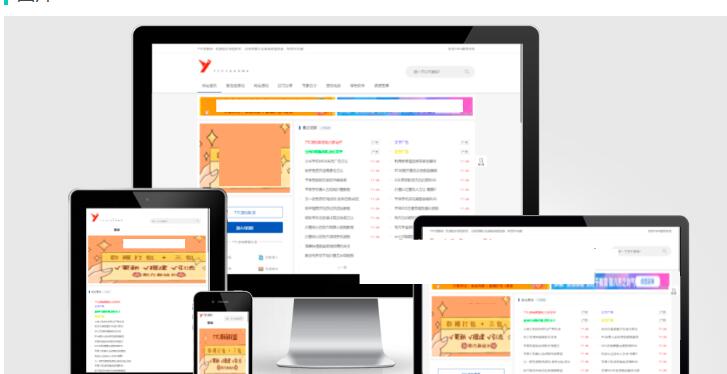
0间隔24h采集线报+源码的资源网
1.更新下载类目的采集 及 导入 网站程序:jizhiCMS + 高仿新版某刀资源网模板 采集程序: 蓝天采集 + 已对接好资源站规则 网站图片及蓝天采集规则 安装教程在下面⬇⬇⬇⬇⬇⬇⬇ 链接:https://pan.baidu.com/s/1QFHWi3urqUAzGHxyco…
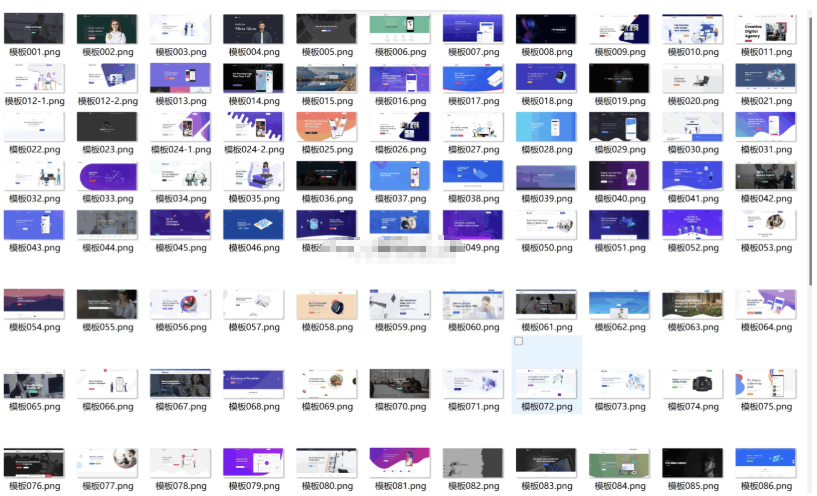
100多套官网HTML源码 前端静态页面源码
简介: 104套官网源码静态html页面APP下载页面HTML源码,多年收藏精品HTML官网源码104套所有行业均可修改使用。人工精选源码每一套都是精品,纯静态页面无后台 下载连接(复制直接下载) https://wp.123vo.cn/index/share/code/jq2ENvLPb1 内容看完了…
123网盘
简介:123网盘解析PHP版本源码是一种非常实用的工具,可以方便地帮助用户在网页上直接解析出其它网站中的资源,并提供下载链接。当用户需要获取某些资源时,往往需要通过各种搜索引擎或者专业的资源网站进行查找,而且很多时候找到了资源链接后还需要进行各种繁琐的操作才能完成下载。而使用 123网盘解析PHP版本源码,只需在相关网站上找到资源链接,然后粘贴到 123网盘解析PHP版本源码中进行解析,即可获得简…
123网盘在线解析PHP版源码
123网盘解析PHP版本源码是一种非常实用的工具,可以方便地帮助用户在网页上直接解析出其它网站中的资源,并提供下载链接。当用户需要获取某些资源时,往往需要通过各种搜索引擎或者专业的资源网站进行查找,而且很多时候找到了资源链接后还需要进行各种繁琐的操作才能完成下载。而使用 123网盘解析PHP版本源码,只需在相关网站上找到资源链接,然后粘贴到 123网盘解析PHP版本源码中进行解析,即可获…
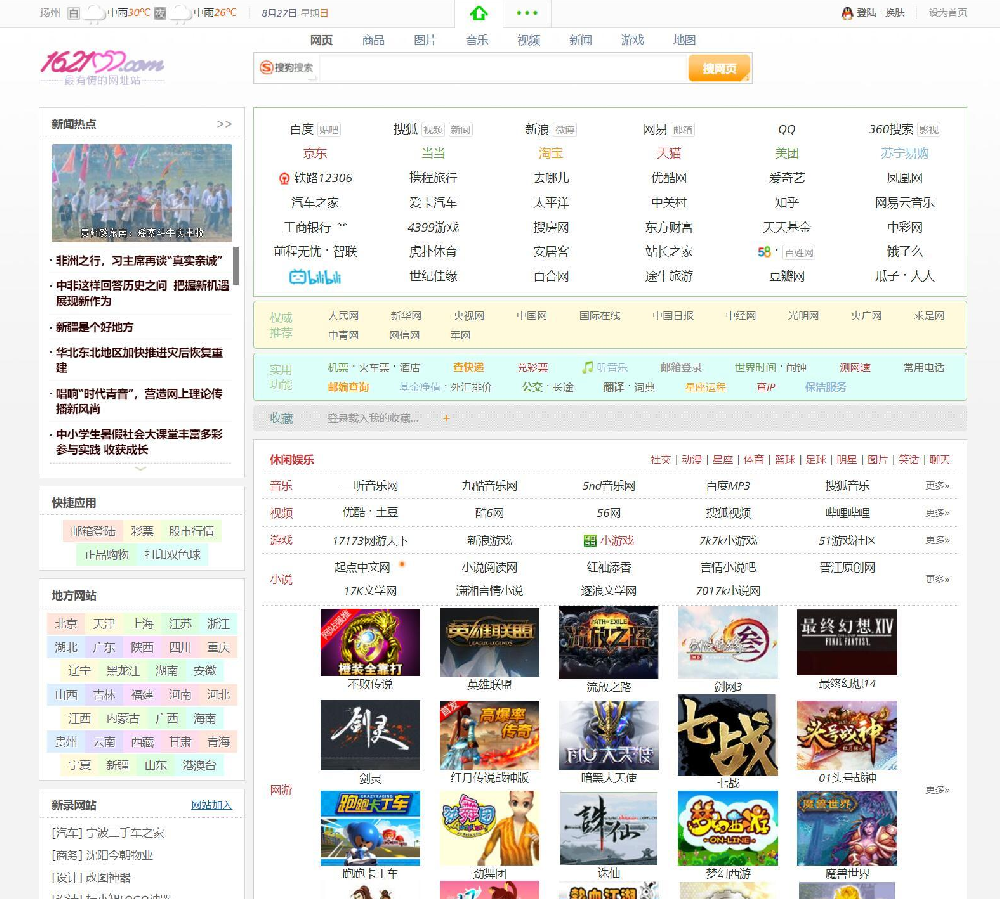
162100 网址导航3号 v948
源码介绍 162100网址导航3号 程序短小精悍,IP库、拼音库、网址库、图片库除外,代码不到200KB。 PHP+Mysql构架。轻松支持一键生成全站静态。 程序构思、构成;安装、管理无比简洁。 全新的个性化管理中心,全面支持个性自助管理—— 记事本、我的风格、我的收入、自定义网址、浏览记录、搜索记录、我的名站及引擎应用。 用户创收功能。 全面支持拼音生成栏目名,轻松支持多音字及拼音重…

2019_SWAPIDC最新模板
2019_SWAPIDC最新模板 使用方法:上传根目录/temples 解压即可 下载连接(复制直接下载) https://wp.123vo.cn/index/share/code/Y3iieuJNqd 内容看完了…
