关机工具 130852绿色版 win7win8 64位可用
界面脚本基于 xml 标记语言;<form> 部分描述启动窗体大小、样式、行为,<item> 部分描述启动窗体时载入的元素,<string> 部分为保留的内部语言字符串。典型的脚本文件主体部分应该包含类似如下内容来说明窗体与元素:
<!-- 窗体配置 -->
<!-- caption/title1/title2 属性,设置窗体标题栏文字 -->
<form caption="关机工具 测试版" title1="关机工具" title2="移动影音转换专家" />
<!-- width/height 属性,窗体绘制区域尺寸,单位为像素 -->
<!-- fontname 属性,设置窗体绘制字体 -->
<!-- backcolor 属性,Long 值,如需使用十六进位值需将字符 "&" 转义为 "&" 如 "&HFFFFFF" -->
<form width="540" height="200" fontname="微软雅黑" backcolor="16775160" />
<!-- 窗体启动位置,-1 自动、0 屏幕中间、1 任务栏左侧、2 任务栏右侧、3 任务栏中间 -->
<form windowstartupposition="-1" />
<!-- 当窗体失去焦点时尝试退出 -->
<form exitwhenlosingfocus="true" />
<!-- 启用分层窗体 -->
<form layeredWindow="true" />
<!-- onmouseclick 事件,提示并延迟 3 秒立即执行的可选动作:shutdown/restart/logoff/setsuspendstate_hibernate_true/setsuspendstate_hibernate_false -->
<!-- onmouseclick 事件,提示并等待选择执行的可选动作:fastshutdown/fastrestart -->
<!-- onmouseclick 事件,立即执行的可选动作:lockworkstation/monitorpoweroff -->
<!-- onmouseclick 事件,其他可选动作:startbutton/cmd/controlpanel/devicemanager/taskmanager/mycomputer/screensave -->
<!-- index 属性,范围为 -1 到 9999 -->
<!-- left/top/width/height 属性,设置控件在窗体中的位置及大小 -->
<!-- type 属性,设置控件类型,可用类型:button -->
<!-- caption/comment/tip 属性,设置控件文字 -->
<!-- fontname 属性,设置控件绘制字体 -->
<!-- forecolor/backcolor 属性,Long 值,如需使用十六进位值需将字符 "&" 转义为 "&" 如 "&HFFFFFF" -->
<item onmouseclick="startbutton" index="0" left="25" top="65" width="115" height="65" type="button" caption="开始" comment="Start" tip="" fontname="微软雅黑" forecolor="14864850" backcolor="13395456" />
<item onmouseclick="lockworkstation" index="2" left="220" top="65" width="70" height="45" type="button" caption="锁定" comment="Lock" tip="" fontname="微软雅黑" forecolor="14864850" backcolor="1698" />
<item onmouseclick="logoff" index="3" left="295" top="65" width="70" height="45" type="button" caption="注销" comment="Logoff" tip="" fontname="微软雅黑" forecolor="14864850" backcolor="1698" />
<item onmouseclick="restart" index="4" left="370" top="65" width="70" height="45" type="button" caption="重启" comment="Restart" tip="" fontname="微软雅黑" forecolor="14864850" backcolor="1698" />
<item onmouseclick="shutdown" index="5" left="445" top="65" width="70" height="45" type="button" caption="关机" comment="Shutdown" tip="" fontname="微软雅黑" forecolor="14864850" backcolor="1698" />
<item onmouseclick="screensave" index="7" left="220" top="110" width="70" height="20" type="button" caption="启动屏幕保护" comment="" tip="" fontname="微软雅黑" forecolor="14864850" backcolor="6443346" />
<item onmouseclick="cmd" index="8" left="295" top="110" width="70" height="20" type="button" caption="启动命令行" comment="" tip="" fontname="微软雅黑" forecolor="14864850" backcolor="6443346" />
<item onmouseclick="setsuspendstate_hibernate_true" index="9" left="370" top="110" width="70" height="20" type="button" caption="休眠" comment="" tip="" fontname="微软雅黑" forecolor="14864850" backcolor="6443346" />
<item onmouseclick="setsuspendstate_hibernate_false" index="10" left="445" top="110" width="70" height="20" type="button" caption="待机" comment="" tip="" fontname="微软雅黑" forecolor="14864850" backcolor="6443346" />
<item onmouseclick="fastrestart" index="12" left="124" top="135" width="94" height="20" type="button" caption="快速重启" comment="" tip="" fontname="微软雅黑" forecolor="14864850" backcolor="225" />
<item onmouseclick="controlpanel" index="13" left="223" top="135" width="94" height="20" type="button" caption="控制面板" comment="" tip="" fontname="微软雅黑" forecolor="14864850" backcolor="8153964" />
<item onmouseclick="devicemanager" index="14" left="322" top="135" width="94" height="20" type="button" caption="设备管理器" comment="" tip="" fontname="微软雅黑" forecolor="14864850" backcolor="8153964" />
<item onmouseclick="mycomputer" index="15" left="421" top="135" width="94" height="20" type="button" caption="我的电脑" comment="" tip="" fontname="微软雅黑" forecolor="14864850" backcolor="8153964" />
<string index="0" text="无法初始化界面支持框架!" />
<string index="1" text="无法初始化 GDIPLUS!" />
<string index="2" text="" />
<string index="3" text="" />
<string index="4" text="" />
<string index="5" text="" />
<string index="6" text="" />
<string index="7" text="" />
<string index="8" text="是否立即执行?" />
<string index="9" text="已经完成。" />
<string index="10" text="无法完成。" />
<string index="11" text="关机" />
<string index="12" text="重启" />
<string index="13" text="注销" />
<string index="14" text="锁定" />
<string index="15" text="休眠" />
<string index="16" text="待机" />
<string index="17" text="关闭屏幕" />
<string index="18" text="瞬间关机" />
<string index="19" text="瞬间重启" />
<string index="20" text="" />
本帖长期更新最新版 请收藏下载!版权声明:本站提的序列号、注册码、注册机、破解补丁等均来自互联网,仅供学习交流之用,请在下载后24小时内删除。
“关机工具 130852绿色版 win7win8 64位可用” 的相关文章
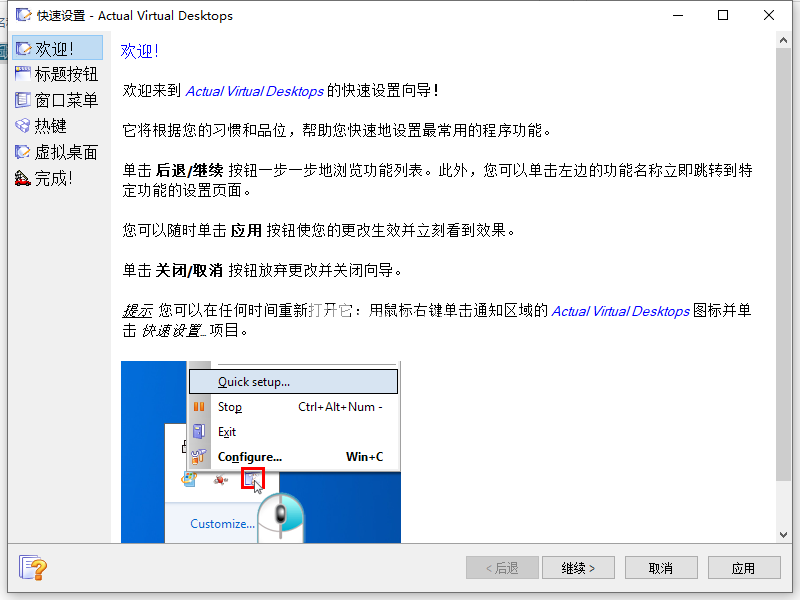
Actual Virtual Dektop 8154
Actual Virtual Desktops是一个虚拟桌面应用,提供一个虚拟的空间,让您在多个显示器的时候也能进行管理和操作,允许您同时运行多个程序。您可以随时打开一些窗口,通过将所有窗口移动到虚拟桌面来分配和分类所有窗口以便完美流畅使用大量的应用程序,增强使用,多个模式可用,经典模式可以将虚拟桌面切换器克隆到所有监视器。独立模式允许您将每个显示器视为具有自己的一组“屏幕页面”的单独工作区,在此…

Advanced SytemCare proUltimate 1370308中文破解版 激活码
华人软件厂商IObit的系统优化工具,功能相当全面,包括垃圾清理、隐私清理、软件卸载、文件擦除与恢复、内存整理、网络加速、启动项管理、注册表整理、磁盘整理、游戏加速、快捷方式修复、磁盘修复、Windows修复、IE管理、漏洞扫描、进程管理、驱动管理、重复文件查找、磁盘空间占用分析、系统信息、魔法设置,还有非常强大的空闲时自动优化,与TuneUp Utilities、Auslogics BoostS…
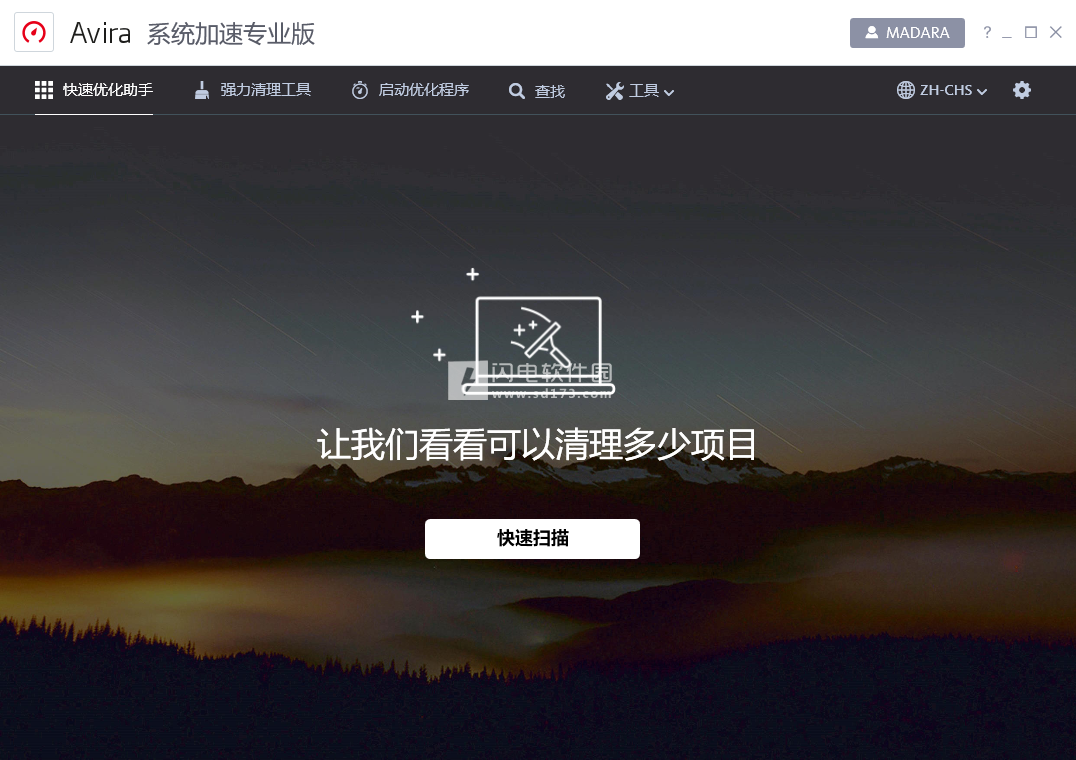
Avira Sytem Speedup Pro 750552
Avira System Speedup Pro是领先的系统性能优化工具,使用后,让你的设备运行速度明显提升,让你可以轻而易举地清理杂乱的文件和垃圾文件,所有不必要的数据都能扫描并清理掉,彻底释放磁盘空间。无法清除的浏览器在线痕迹以及临时数据也能轻松管理,再加上注册表问题分析和清理,监控和清理设备等,对于不是很懂的新手朋友来说也是能够立即上手整理你的PC。 功能特色 1、保持您的设备干净…

EaeUS Partition Mater 2080
EASEUS Partition Master全系列(分区管理大师) 破解版是一款综合性的磁盘分区管理工具,可以允许你调整和移动分区,创建、删除和格式化分区,隐藏分区,磁盘复制等等。基本不 损坏原硬盘数据,支持各大系统,还支持RAID磁盘阵列,并支持高达2TB大小的分区或硬盘,绝对是必备的硬盘无损分区工具! 功能介绍 EaseUS Partition Master Techn…
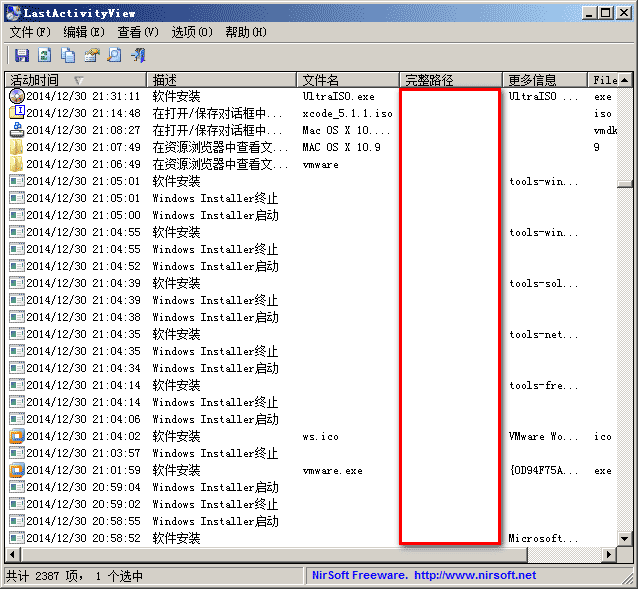
LatActivityView 116绿色版 Window下超强的系统历史记录查看工具
LastActivityView,直译为:最近活动查看,这个工具虽小,却真的有这样的能力。 功能有: 记录运行的软件,打开/保存对话框的打开,打开文件/文件夹从资源管理器或其他软件,软件安装,系统关机/启动,应用程序或系统崩溃,网络连接/断开,记录导出到CSV /制表符分隔/ XML / HTML文件,或将它复制到剪贴板,然后粘贴到Excel或其他软件。 …
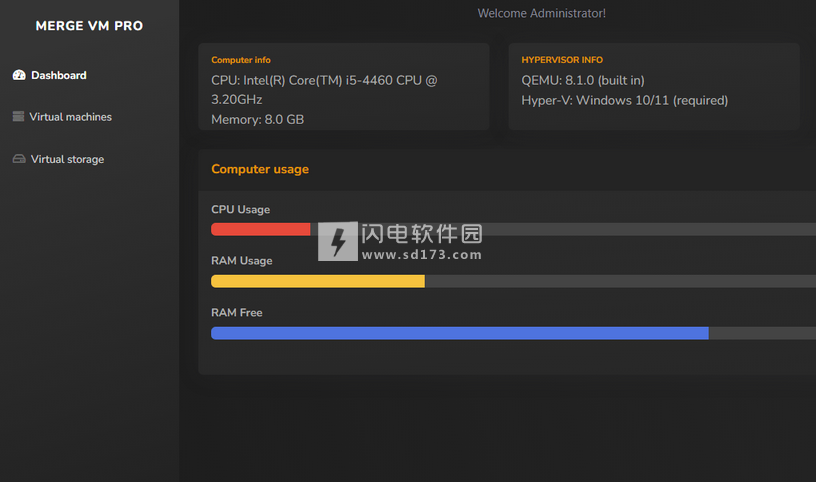
Merge VM Profeional 231226
Merge VM Professional是领先的虚拟解决方案,提供多平台虚拟化,无缝适应,多设备虚拟环境,提供简化的安装设置过程,为所有有需要的用户量身打造,不需要专业技能,充分激发释放潜力,丰富的选项,更多的可能性,轻松交换文件,使用各种应用程序和探索开发,独特的使用体验,立即体验虚拟化的下一个时代,您将在其中体验到坚定不移的稳定性、顶级可靠性和无缝的用户界面。 功能特色 1、多平台…
