Ditto 3251130绿 色中文版 Window剪贴板增强工具

Ditto 本身实现的网络剪贴板同步是基于两台计算机直连的,两台电脑需处于同一局域网内才能比较方便地使用。不过,像张总一样两台基于互联网的电脑要怎样使用呢?对于这点,有2个比较简单的解决方法:
1、使用一些虚拟局域网的软件,让两台互联网电脑处于同一个虚拟的局域网里面,然后,你懂的……
2、你也可以考虑将 Ditto 的数据库文件放到金山快盘或者其他一些同步软件的目录中,间接地实现同步剪贴板的功能。
3、还有更多方法可以慢慢摸索,相信聪明的你一定能想出更好的方法
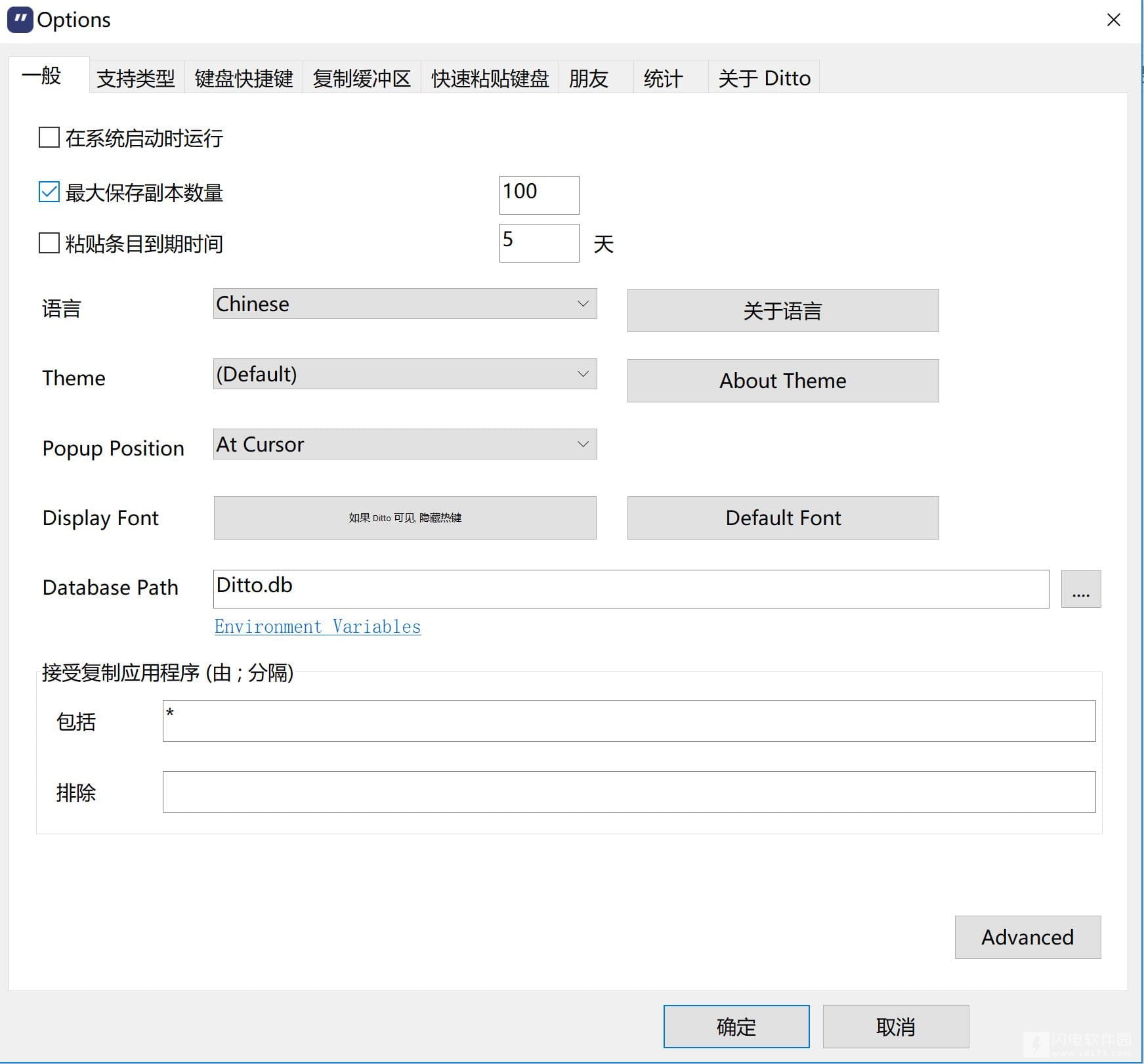
Ditto 还有皮肤更换、剪贴板数量统计等等人性化的功能。另外,Ditto 的字体,版式,呼出快捷键等等都提供自定义更改,还有更多功能都非常值得你去摸索。在目前,Ditto 应该可以算是 Windows 剪贴板增强工具中的佼佼者了,另外再加上 Ditto 的绿色免费免安装,可以算得上是精品中的精品了。
更新日志
Chai script paste support (https://sourceforge.net/p/ditto-cp/wiki/Scripting/)
Fixed issue with pasting into admin app from a low privilege user
Fixed crash when dragging and dropping
Handle exception when placing items on the clipboard, should fix a reported crash
Handle hyper-links in description window
Handle mouse wheel messages for the window the mouse is over not the the focused window
Set focus to richtext on mouse active so the first click works to select text and click on hyper-links
Don’t hide description window when deleting clips
Track active window when opened from command line option
Handle page up/down with description window open
Use version 6 common controls, config windows looks better
Removed ability to convert old access db to sqlite, if needed they can first run an older version then this version.
Added adv option to multi paste in reverse order or not
Find child process for uwp apps, edge, mail, …
Delay sending paste to edge browser so the paste works, edge seems to take a long time to set focus
Use rtf control to pre process rtf before we draw rtf text, was finding newer version of word would add data that our draw routine could not handle
Don’t combine multiple clips unless they all have that type of data
Assign short cut keys to paste scripts
PNG supported in viewer and thumbnail images
Support png images in drag and drop and export to image
Change appx app name to “Ditto Clipboard” – added php script to beta page to always refresh page
Updated icons for alt-tab
Resize dialog paint fix
Tooltip timeout of 0 turns off toolips
Show a message when receiving a manual sent clip, option to turn this off
Color search box better when using dark theme
Handle repeat keys when moving selection up and down
Show selected index and clipboard change delay in adv settings
Added menu option to move clip to the end of the list
Added shortcut key to load last search
Added shortcut key to toggle search method
Added the ability use environment variables in the database path
Don’t add cmd.exe custom keys if we are windows 10
Fixed issue with showing scroll bars
Fixed searching for regex on quick paste text
F3 searches list by default on second press if searching
Added tooltip timeout to the adv options window
Read large string values from settings (reg or ini)
Fixed issues with drawing rtf text
Updated Chinese translation
Added option to not show startup tooltip message
Show & when typed into search box
本帖长期更新最新版 请收藏下载!版权声明:本站提的序列号、注册码、注册机、破解补丁等均来自互联网,仅供学习交流之用,请在下载后24小时内删除。
“Ditto 3251130绿 色中文版 Window剪贴板增强工具” 的相关文章
64位内核系统文件工具(Win64AST) 110 beta2绿色版
Win64AST是全球第一个专用于64位系统的内核级的高级系统工具,由于使用了特殊的内核技术,WIN64AST 能够从底层控制系统,有很大的操作权限,是一个强大的Anti Rootkit 工具。 简介: Win64AST 全称Win64 Advanced System Tool,仅支持 Windows 7 x64 和 Windows 2008 R2,目前实现的功能就有:进程/线程/模块/句…
EaeUS Key Finder 417 中文激活版
EaseUS Key Finder是一个易于使用且有效的实用程序,具有简单的界面。它有助于找到已注册的Windows操作系统以及应用程序的密钥。此外,它还允许查找和管理网络、WLAN和其他Windows凭据的密码。该软件将列出Windows操作系统版本以及产品密钥。产品密钥可以保存到PDF文件中,也可以打印出来。支持的应用程序包括Microsoft Office、Adobe系列软件、Microso…
EverythingContextMenu 11
EverythingContextMenu使用可增强你的Everything软件,让你的Everything支持Win11一级右键菜单。在文件夹或文件夹背景中右键即可出现一级右键菜单,点击后可在当前目录下搜索,更加方便 使用说明 注意: 1. 如果你的Everything安装在C:\Program Files\Everything文件夹中,请下载EverythingContextMe…
InjuredPixel v30090 绿色免费版 - 液晶显示器坏点检查工具
InjuredPixels 是一套简易的萤幕亮点检测工具,只要多换几个色彩测试,就能知道萤幕是否有问题啰! 特点: 通过各种纯色下观察液晶显示器是否有亮点,坏点。 InjuredPixels是检查液晶显示器坏点的辅助工具软件。 软件无法下载?不知道解压密码?微信关注订阅号"闪电下载"获取 本帖长期更新最新版 请收藏下载!版权声明:本站提的序列号、注册码、注册机、破解补丁等均来自互…
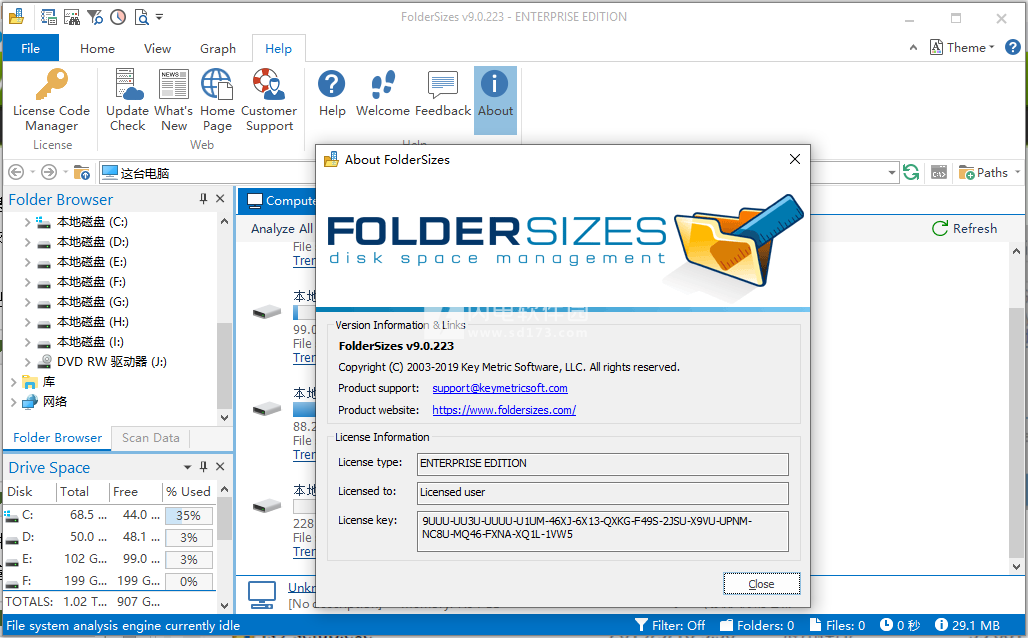
Key Metric Software FolderSize 10388
FolderSizes是一款功能强大的磁盘空间管理工具,完善的磁盘空间分析器和文件夹大小报告器。可用于跟踪磁盘空间使用情况并识别可离线存档的数据,让你合理规划和改进你的存储容量,避免关键时刻磁盘空间不足的情况,将借助于软件,你可以使用它来分析主机可访问的任何类型的存储设备,包括本地磁盘、网络连接存储、网络共享、映射驱动器等。并提供丰富信息,深度多线程文件系统分析引擎可确保出色的性能和可扩展性。Fo…
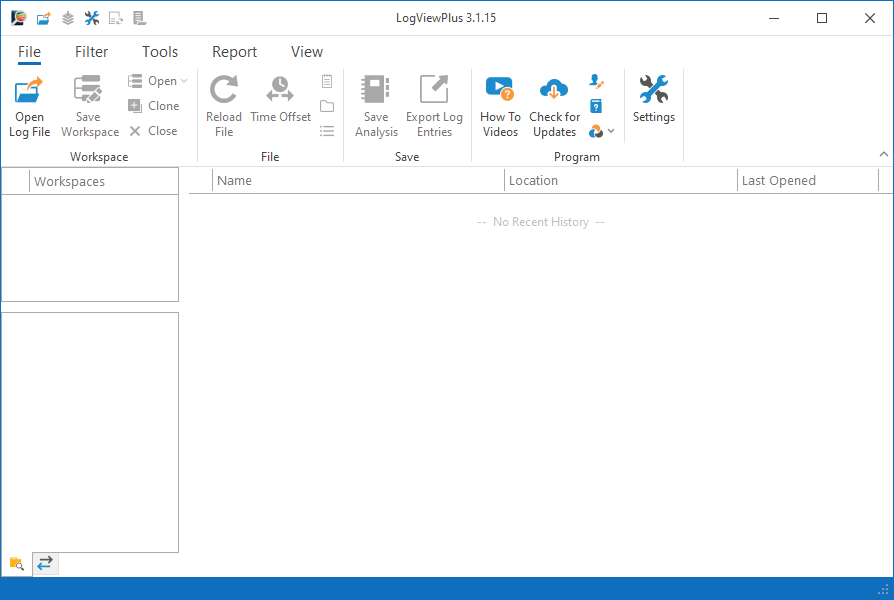
LogViewPlu 3122
LogViewPlus可用于查看和分析日志文件,提供简单的界面和完整的功能,更快速清晰的完成日志的解析分析,从日志文件中获取你想要的各种信息,提供搜索、合并以及报告功能,提供自动化优势,还可以保存分析以存档或共享!支持从各种地方来源读取日志数据,提供多种分析工具!只需要几分钟时间就能确定某些操作中出现的问题,并尝试解决问题! 功能特色 一、详细的日志文件分析。 LogViewPlus…
